
How to Fix PTO Charged on a Paid Holiday

See Demo 1-800-714-5153 Solutions Close Solutions Open Solutions Biometric Timeclocks Time & Attendance Payroll Job Costing Scheduling & Leave Management Human Resources (HRM) Document Management Expense Tracking Invoicing Shift Management Biometric Facial Recognition Advantages Workforce Management Software Products Close Products Open Products See Demo Compare Products Professional Edition Corporate Edition Enterprise Edition Open-Source WFM Software […]
How to Reconcile On-Call Time Before Payroll
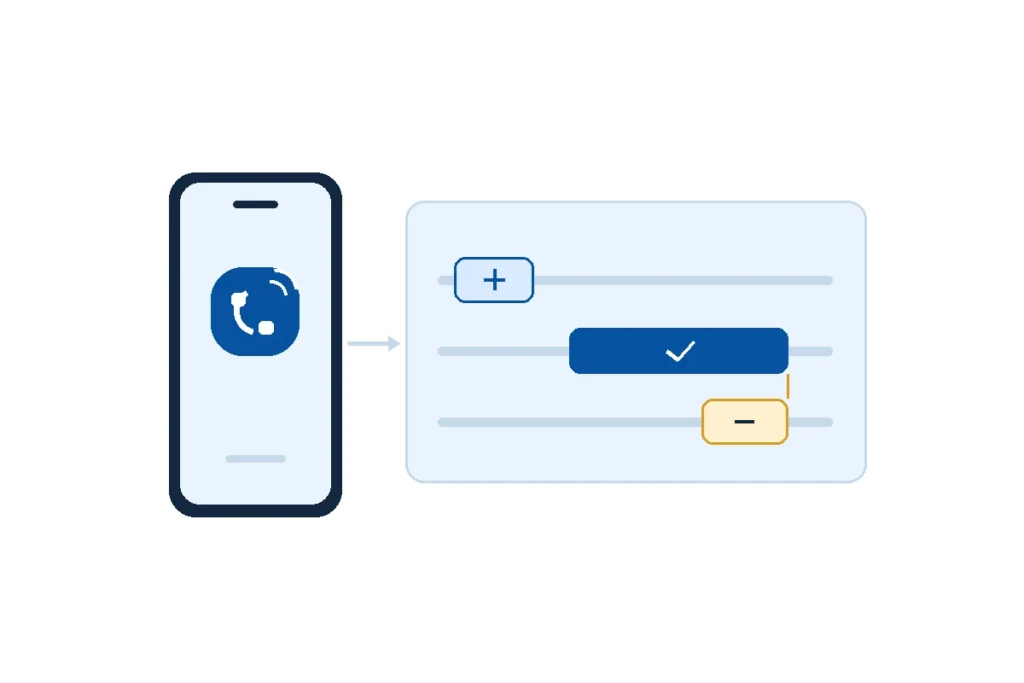
See Demo 1-800-714-5153 Solutions Close Solutions Open Solutions Biometric Timeclocks Time & Attendance Payroll Job Costing Scheduling & Leave Management Human Resources (HRM) Document Management Expense Tracking Invoicing Shift Management Biometric Facial Recognition Advantages Workforce Management Software Products Close Products Open Products See Demo Compare Products Professional Edition Corporate Edition Enterprise Edition Open-Source WFM Software […]
How to Reconcile Badge Logs and Time Punches
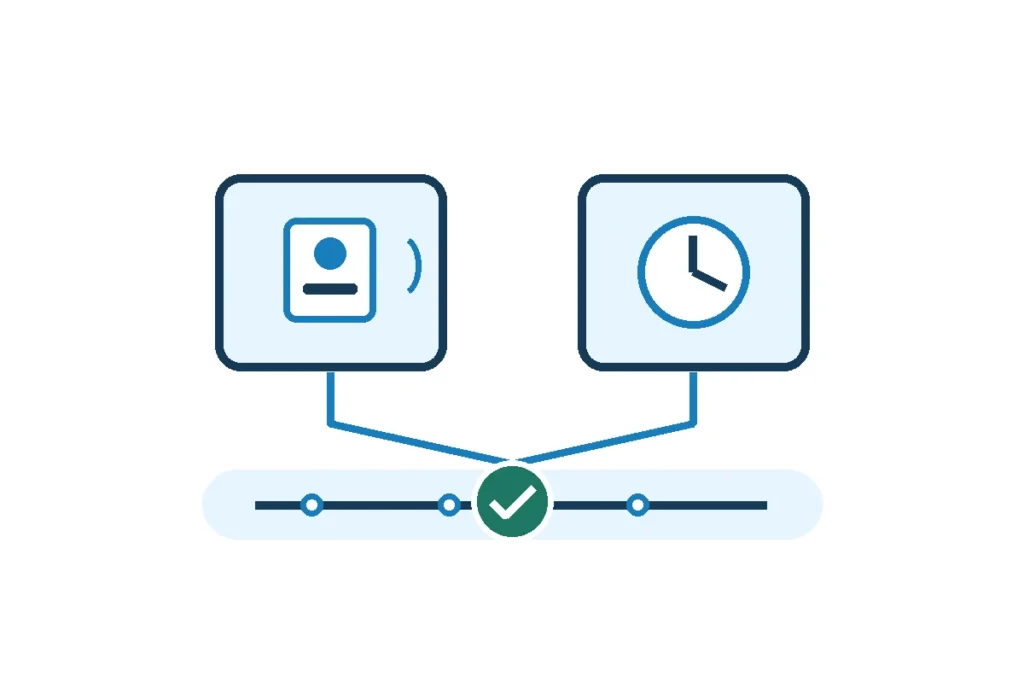
See Demo 1-800-714-5153 How to Reconcile Badge Logs and Time Punches To reconcile badge logs and time punches, line up the records for the same employee, site and local time, then confirm when the employee actually started or stopped working. A door swipe records an access event. Use it to narrow the review, then base […]
How to Test a Night Shift Premium Before Payroll
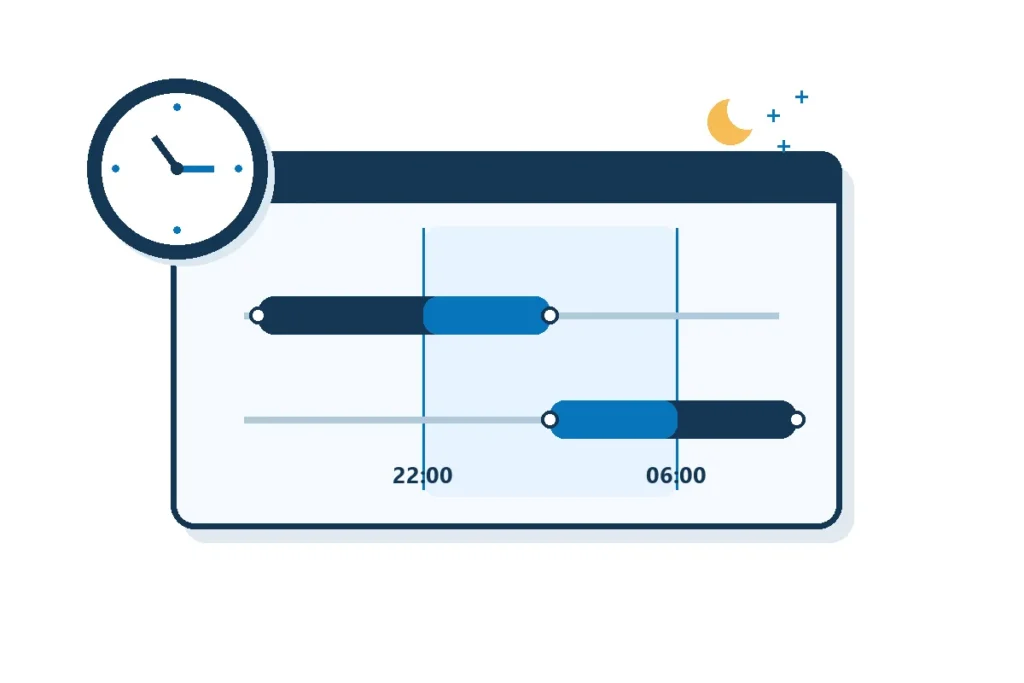
See Demo 1-800-714-5153 How to Test a Night Shift Premium Before Payroll To test a night shift premium before payroll, run two shifts that each overlap the same four hours of the premium window but start on opposite sides of it. A rule that pays only time inside the window should pay four premium hours […]
How to Cover a Same-Day Employee Absence
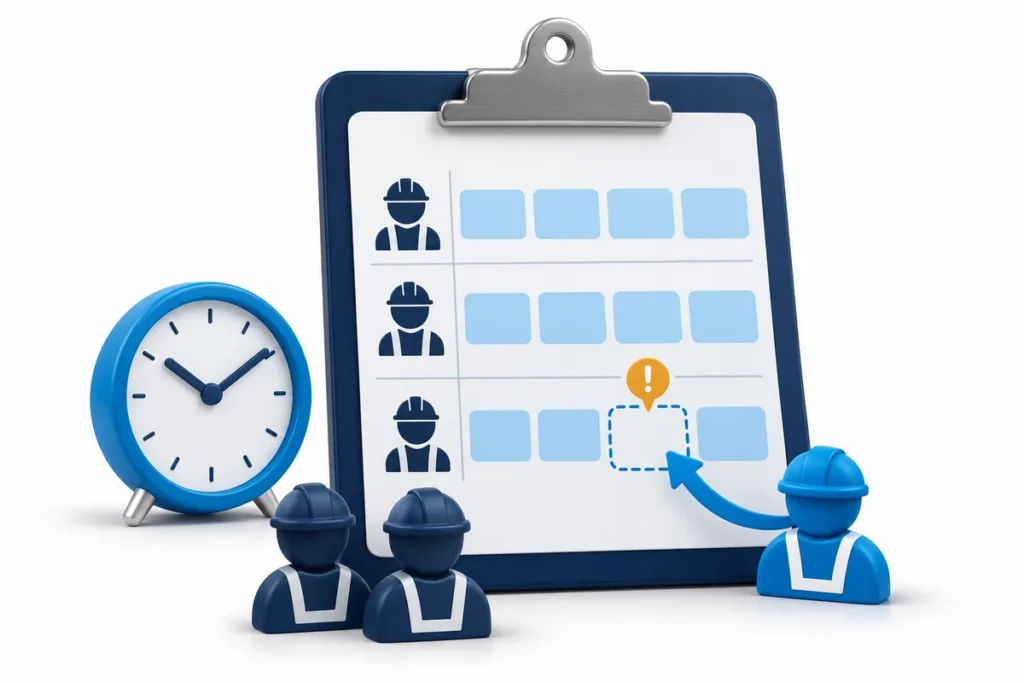
See Demo 1-800-714-5153 How to Cover a Same-Day Employee Absence To cover a same-day employee absence, confirm exactly which duties and hours are uncovered, find an eligible replacement, and get a clear acceptance and arrival time. Give any interval before that arrival its own approved fallback. Update the affected schedule, verify the replacement actually arrives, […]
How to Test Automatic Meal Deductions Before Rollout

See Demo 1-800-714-5153 How to Test Automatic Meal Deductions Before Rollout Test automatic meal deductions with controlled shift records before assigning a new or changed policy to employees. Check the trigger boundary, a normal meal, a missed or interrupted meal, actual lunch punches and a cost-center transfer. Reconcile both the employee’s total and the allocation, […]
How to Correct a Timesheet After Payroll Is Closed
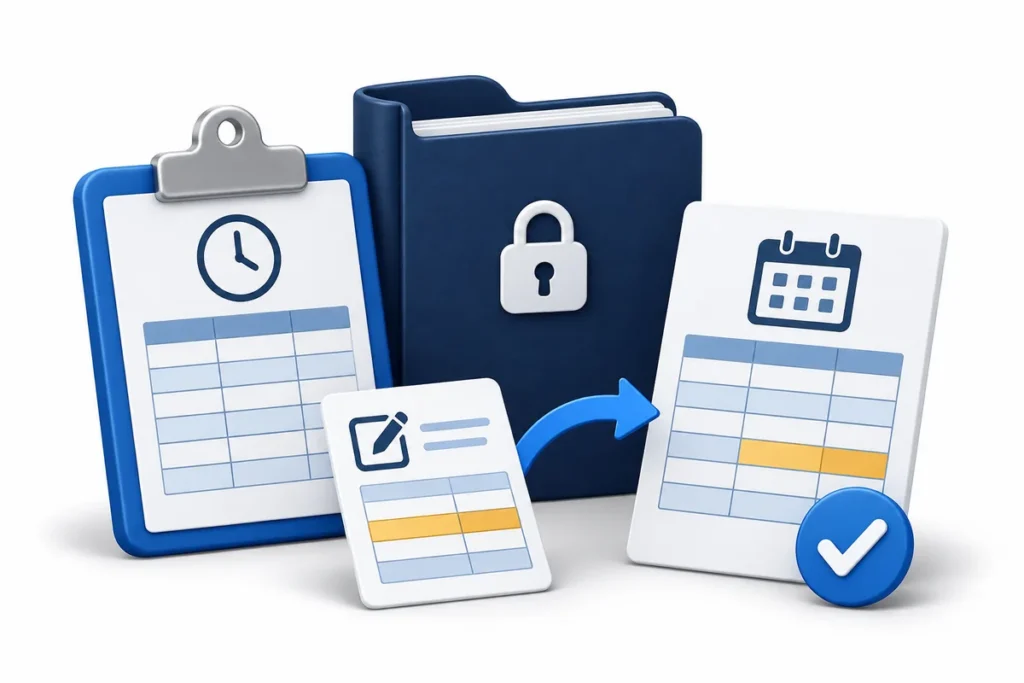
See Demo 1-800-714-5153 How to Correct a Timesheet After Payroll Is Closed To correct a timesheet after payroll is closed and the employee has been paid, preserve the original paid record, verify the time change, and have payroll review the resulting adjustment through to payment. In TimeTrex, the documented Post Adjustment workflow lets an authorized […]
Employee Missing from Payroll Export? Trace the Omission
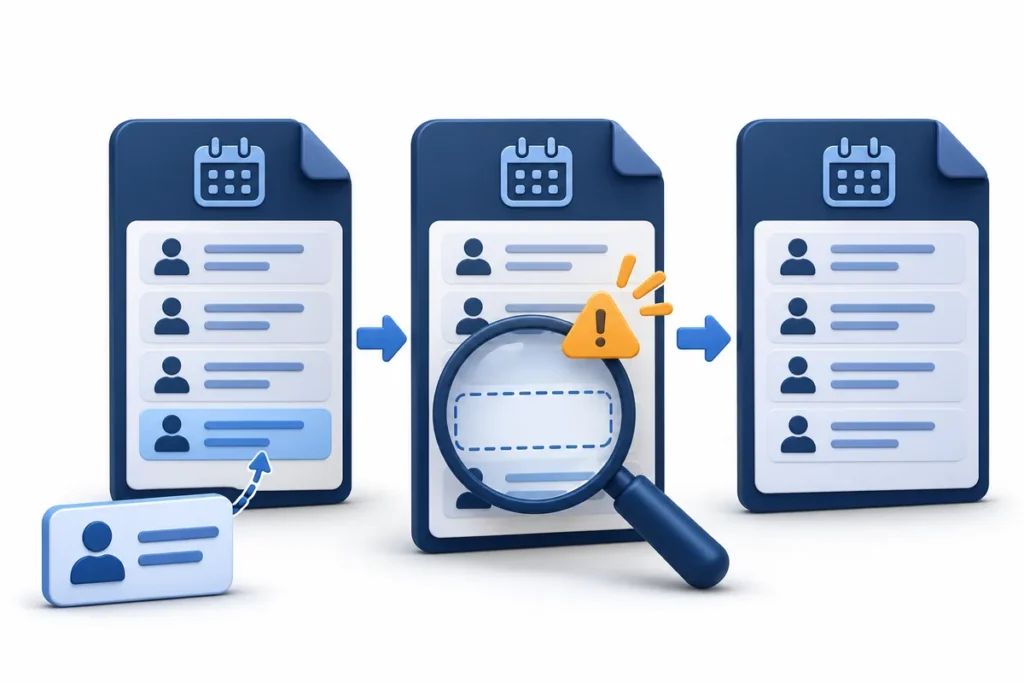
See Demo 1-800-714-5153 Employee Missing from Payroll Export? Trace the Omission If an employee is missing from a payroll export, find the first place their record disappears: the approved time source, the exact exported file, or the destination’s accepted payroll detail. Compare the same employee key, employer, pay group and period at every stage. Correct […]
Duplicate Time Clock Punches: How to Find and Fix Them

Find duplicate time clock punches, verify overlapping entries, and document corrections with a worked example and payroll review checklist.
How to Split Pay Period Hours for Month-End Reporting

See Demo 1-800-714-5153 How to Split Pay Period Hours for Month-End Reporting Split a pay period across two months by grouping approved hours by work date. Apply the same employee, site and hour-type filters to both months, then check that the two totals add back to the approved pay-period total. Keep the payroll period and […]