
Payroll Code Mapping Test Matrix
One mapping version · Evidence before approval
Prove what each payroll code will do.
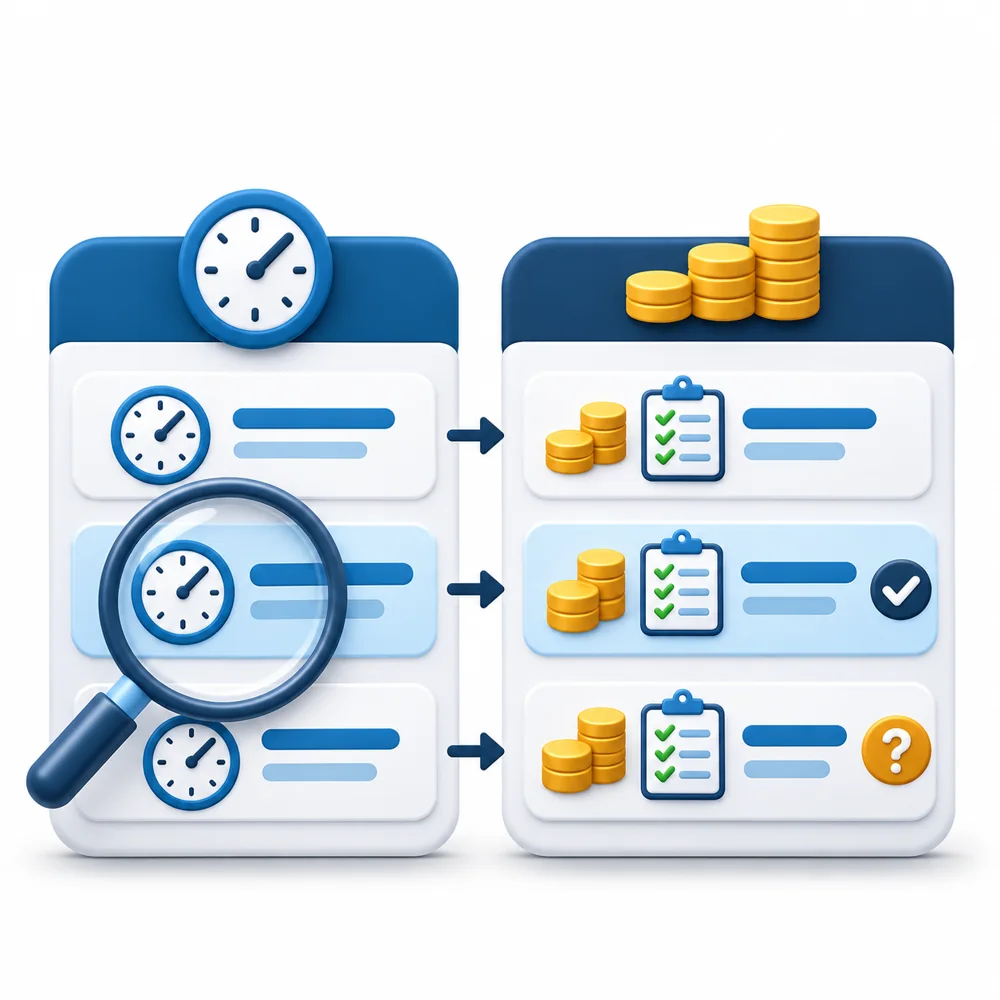
Use this payroll code mapping test matrix when setting up or changing a transfer from timekeeping to a separate payroll system. Turn a code list into a tested agreement: what goes in, what should arrive, what actually arrives and who resolves the difference.
Bring: your source code definitions, receiving import specification, approved pay rules and sanitized test records. Leave with: a versioned mapping, case-by-case evidence and an approve-or-hold record.
Start the mapping review3. Copy a test record
Use one row per source-code rule and test case. Copy the tab-separated header into an approved spreadsheet, then add rows there. Record only sanitized case IDs here; keep employee payroll data in authorized systems. The field below is read-only so it remains a clean template.
Select the text and copy it with your browser or keyboard. The header is a record design, not an import file. No employee identifiers, passwords or bank details belong in this public tool. Use the browser's print command for a blank review aid; expand the relevant exception panels first and inspect pagination. Save approval evidence separately.
4. Run cases that expose different mistakes
- Ordinary and rare codes: test each active mapping, including paid absence and amounts when your actual format supports them. A code absent from one period still needs a test before its first use.
- Units and precision: test fractional time and the smallest supported quantity. Write the receiving format's rounding rule in the case; do not invent a tolerance. Preserve missing values as unknown. Record whether zero or negative adjustments are accepted, omitted or rejected according to the specification.
- Premium interaction: test the base-plus-premium combination as well as each part. Confirm whether the destination expects a rate, a multiplier, extra premium or full earning. Avoid counting premium-associated hours as additional elapsed work.
- Grouping and exclusions: test different departments or jobs if carried by the file. Record intended merged/split rows and exclusions. Match at the documented comparison level rather than demanding identical row counts.
Fictional worked example · No wage rule implied
The hours arrive. The premium still fails.
Assume an approved test policy pays 8.00 worked hours at $20.00 per hour, plus a $2.00 per-hour add-on for the same 8.00 hours. The receiving format in this example accepts regular hours and a separate premium amount. These invented code names, rates, units and treatment are not universal TimeTrex or payroll-provider requirements.
SHIFT: the same 8.00 hours eligible for the add-on.
DIFF: $16.00 amount, under the documented test rule.
DIFF: $8.00 amount.
Decision: Hold.
Independent expectation: base = 8 × $20 = $160; add-on = 8 × $2 = $16; illustrated earnings = $176 before taxes or deductions. The first preview shows $160 + $8 = $168, an $8 shortfall. Mapping the source quantity 8 directly into a money field lost the unit's meaning. There are 8 worked hours, not 16: the premium describes the same time.
Correction and retest: have the mapping owner confirm a supported way to supply the required premium amount or choose an appropriate format. Do not assume the connector converts it. Retest the same case; the recorded accepted detail and preview must show the expected $16 add-on and $176 illustrated earnings before the reviewer approves this version.
5. Resolve the exception
The destination code or unit is unknown
Hold the case. Ask the payroll owner or provider to identify the exact active destination code, accepted unit, rate behavior and import specification. Record the answer and version, then predict and run the case. Do not map to a similarly named code by guesswork.
Totals match, but codes or groups differ
Compare accepted detail at the agreed code and grouping level. A regular-to-overtime substitution or wrong department can leave a grand total unchanged. Document legitimate aggregation; investigate unexplained differences before approval.
A test is rejected or the result is uncertain
Preserve the file, response and destination batch reference. Inspect accepted detail before retrying. Confirm whether the supported correction appends, replaces or reverses records; do not assume another upload is safe. Keep the case on hold until the combined result is reconciled.
Method and limits
The checklist, test-matrix fields and hold convention are suggested operational controls selected for this resource, not official rules or a provider certification. Apply them to one documented source setup, receiving format, employee/pay-code population and sample period. Test results apply to that version; changes in codes, pay rules, format, rates or grouping require review and affected-case retesting. No numerical good/bad threshold or automatic approval is used.
TimeTrex's Payroll Export Report documentation describes exporting time and earnings for a selected period to third-party payroll software, with format-dependent fields. Its payroll export FAQ describes choosing the exact format and configuring hour-code mappings where necessary. Confirm the receiving provider's current requirements. If payroll is processed inside TimeTrex, the report documentation says this third-party export report is unnecessary.
Product sources inspected November 9, 2026. This resource sets no jurisdiction-specific wage, tax, record-retention or overtime rule. Obtain qualified guidance for those requirements. For an existing transfer rather than a mapping change, use the broader payroll import validation workflow; use the employee ID crosswalk worksheet to test employee identity separately.
Disclaimer: This manual payroll code mapping test matrix is a suggested operational review aid, not a calculation engine, provider import specification, payroll approval or legal, tax or wage advice. Fictional codes, rates and premium treatment must not be applied to an actual payroll without checking approved policy and the receiving system. Browser checkmarks do not save review evidence. Verify all inputs, results and assumptions against appropriate records and obtain qualified advice before relying on them. To the fullest extent permitted by applicable law, this resource is provided “as is” without warranties of accuracy, completeness or fitness for a particular purpose, and TimeTrex and its affiliates disclaim liability for losses, damages, costs or claims arising from its use, inability to use, or reliance on it, including errors or omissions. Nothing in this disclaimer excludes or limits liability or rights that cannot lawfully be excluded or limited.
Found our Payroll Code Mapping Test Matrix useful? Bookmark and share it.
Trusted By
Trusted by 3.4M+ Employees: 23 Years of Service Across Startups to Fortune 500 Enterprises
Join our ever-growing community of satisfied customers today and experience the unparalleled benefits of TimeTrex.










Strength In Numbers
Join The Companies Already Benefiting From TimeTrex
Time To Clock-In
Start your 30-day free trial!
Experience the Ultimate Workforce Solution and Revolutionize Your Business Today
- Eliminate Errors
- Simple & Easy To Use
- Real-time Reporting


Saving businesses time and money through better workforce management since 2003.
Copyright © 2026 TimeTrex. All Rights Reserved.