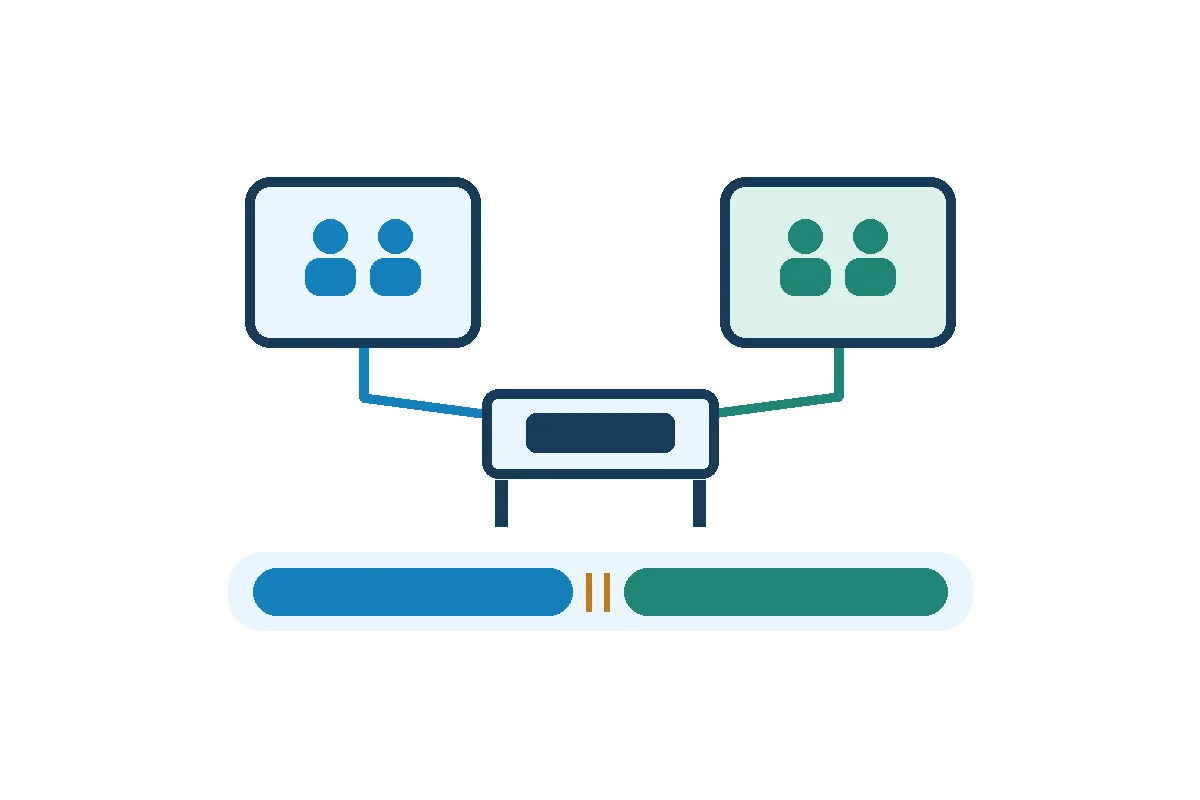

To schedule crews around shared equipment, reserve the time each job needs on the equipment, including changeover, then align qualified crew assignments with those reservations. If a job’s earliest feasible start is later than its deadline minus its run time, the schedule needs a different sequence, another approved station, or a revised deadline.
What to keep: one confirmed sequence with equipment windows, crew assignments and an owner for each handoff.
Put equipment and crew requirements on the same timeline
Ask the job lead for the earliest material-ready time, uninterrupted run time and actual finish deadline. Ask the equipment owner for available windows, planned downtime, any setup or changeover that occupies the station, and who confirms the station is ready for the next crew.
List the work that can happen away from the station, such as staging paperwork or parts, and identify the minimum qualified crew required during each step. Use the same local date and clock for all assignments. Check relief and competing assignments for each named person, especially if one qualified operator is shared across crews.
Give each job a start and finish on the equipment calendar. Reserve changeover between jobs even if another employee handles it. If setup depends on the order of the jobs, ask the equipment owner for the duration for each sequence you are comparing.
Worked example: two crews, one test bench
Two fictional jobs need the same bench on the same morning. Each requires two qualified technicians and 120 uninterrupted bench minutes. Crew A must use the bench from 08:00 to 10:00. Crew B originally booked 09:00 to 11:00 and must finish by 12:00. The bench needs a 15-minute changeover between jobs, and Crew B can stage its work away from the bench.
Original request
- 08:00–10:00: Crew A uses the bench.
- 09:00–11:00: Crew B requests the same bench.
- 09:00–10:00: Both jobs claim it for 60 minutes.
Earliest feasible sequence
- 08:00–10:00: Crew A uses the bench.
- 10:00–10:15: The station owner reserves changeover and confirms release.
- 10:15–12:15: Crew B uses the bench. Its 09:45–10:15 staging happens elsewhere.
Decide what changes before posting the roster
- Check whether the order can change. Try the alternate sequence only if both jobs can start earlier and still meet their deadlines. In the example, Crew A’s fixed slot rules that out.
- Look for an approved second station. Confirm the equipment can run the job and the assigned crew can use it. Reserve it and allow for transfer and setup before promising the finish.
- Escalate a deadline that still cannot be met. Send the confirmed earliest finish and the reason to the person who owns the work deadline. Record the approved change and update the equipment booking and crew assignment together.
Give Crew B an agreed assignment during the wait or have the supervisor approve a schedule change through the usual process. If Crew A runs late, recalculate Crew B’s earliest start from the new release time and inform both crews. A small delay matters when the plan has no spare time.
Release the schedule with a clear handoff
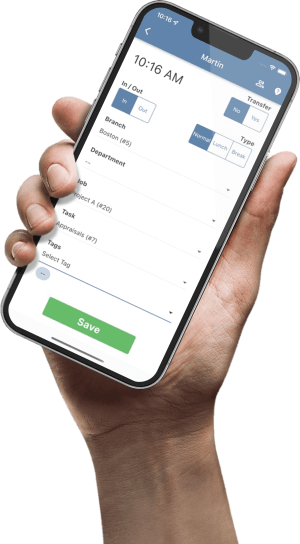
Before posting, have the equipment owner verify the bookings and the supervisor verify the named crew, qualifications and coverage. In TimeTrex, the Schedules screen supports assigning employees and editing scheduled shifts. Use the approved equipment booking record to check when those staff assignments can begin.
Job / site / work date / deadline:
Station and confirmed equipment window:
Run time / changeover / off-station preparation:
Named qualified crew / shift coverage confirmed by:
Earliest start / latest start / expected finish:
Ready-to-use confirmation owner / fallback if release slips:
Equipment booking and roster checked / approval owner:
Apply the same check to recurring work
Once the station windows are confirmed, use the manufacturing staff scheduling guide to review skill coverage and recurring shift patterns around those windows.