
Employee Skills Matrix Template
FREE WORKFORCE PLANNING TOOL
See your skills.
Strengthen your coverage.
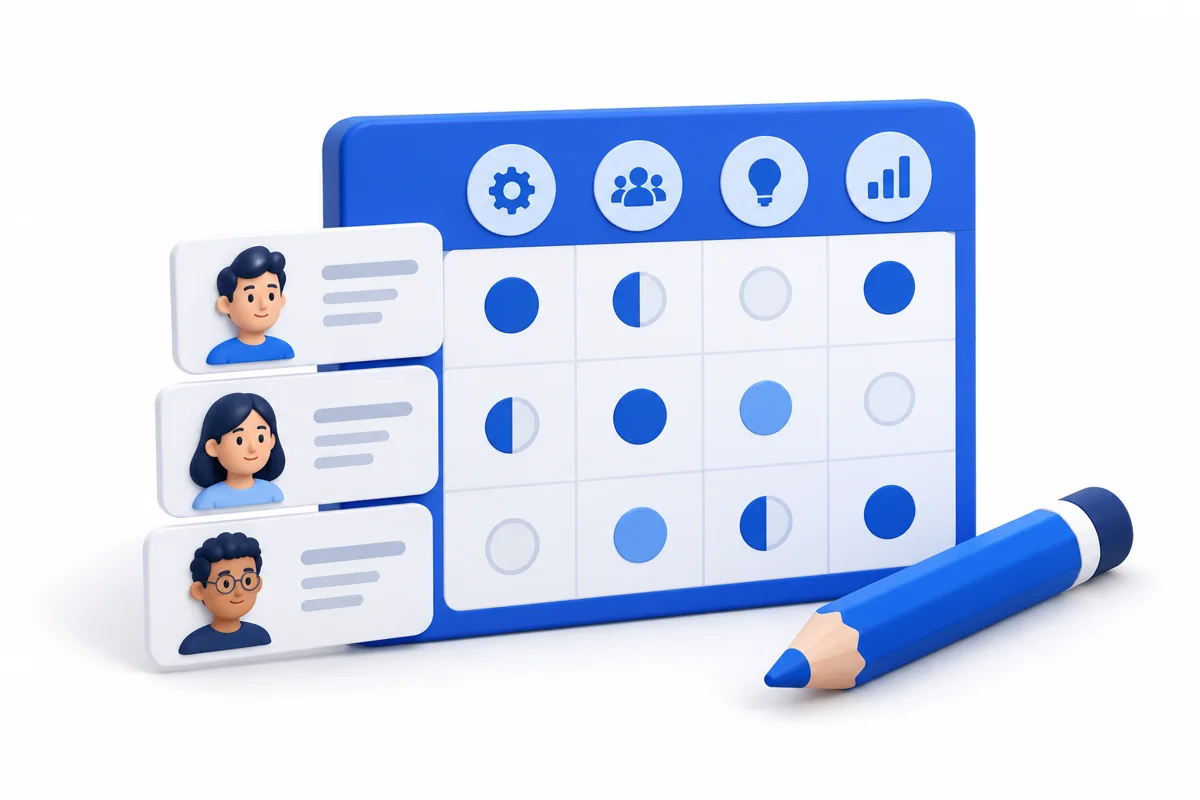
Build an employee skills matrix that turns capability gaps into a clear cross-training plan. Rate your team, set coverage targets, and decide what to develop next.
ready for your team.30 team members · 12 skillsEditable ratings & training actionsCSV, save / reload, and print
1. Set up your team4 people · 3 skills
Unchanged labels keep their ratings and skill settings. Renaming removes the old entry and creates an unassessed one. Use aliases and internal evidence references.
Lists changed. Apply team & skills before saving, exporting or printing.
2. ASSESS CAPABILITY
Your skills matrix
Choose a rating in each cell. 3 = Independent and 4 = Can coach count toward coverage. Use N/A when a skill does not apply to that person.
Scroll inside the grid to see every skill. The team column stays visible.
3. CLOSE THE GAPS
Coverage & cross-training plan
Set your own independent-person target for each skill. Mark critical responsibilities, define what competent work looks like, and give each action an owner and review date.
A target of two is a starting assumption, not a staffing rule. The gap total counts capabilities, not hires. Counts cover this whole team, not simultaneous shift availability.
Keep a copy. Pick up where you left off.
CSV opens in Excel or Google Sheets. Save a matrix file to reload every rating, target and training action here.
No automatic saving or HR-system connection. Refreshing or closing the page clears changes. Keep downloaded files in your approved storage.
Copy CSV if your download is blocked
What makes a useful skills matrix?
- Use observable skills. “Approve a complete timecard and resolve exceptions” is easier to assess than “good at payroll.”
- Agree the evidence. Use an observed task, practical demonstration or a review of completed work. Record an internal evidence reference in the skill definition.
- Check coverage. A coach also counts as independent. Unassessed and N/A cells never count toward coverage; N/A is excluded from assessment completion.
- Follow through. Select a training action, owner and date. Reassess capability after practice; course attendance alone does not establish proficiency.
How are coverage and priorities calculated?
Independent coverage is the number of people rated 3 or 4. Gap = max(0, target − independent coverage). “Single-person dependencies” counts skills with exactly one independent person. “No independent cover” is shown separately in each skill card.
Priorities flag critical gaps first, then other gaps, single-person dependencies and unassessed work. Ratings of 0, 1 and 2 are assessed but below the independent threshold. Completion = assessed applicable cells ÷ all applicable cells; when every cell is N/A, completion is N/A.
Targets can exceed the applicable team size; the tool flags this so you can review scope, training or staffing. A met target can still contain unassessed people. These planning signals do not verify shift availability, certification validity or authorization to work.
Can I use this as a certification register?
This worksheet records planning ratings. Validate licences, required supervision, expiry dates and job authorization in your approved records before assigning duties. For U.S. safety context, OSHA employer responsibilities includes providing safety training employees can understand. The rating scale and target settings in this template are user-defined planning conventions.
Disclaimer: This template is a planning aid based on user-assessed skill levels. A score is not a licence, safety qualification or authorization to perform work. Validate competency, supervision and certification requirements before assigning duties.
Found our Free Employee Skills Matrix Template useful? Bookmark and share it.
Trusted By
Trusted by 3.4M+ Employees: 23 Years of Service Across Startups to Fortune 500 Enterprises
Join our ever-growing community of satisfied customers today and experience the unparalleled benefits of TimeTrex.










Strength In Numbers
Join The Companies Already Benefiting From TimeTrex
Time To Clock-In
Start your 30-day free trial!
Experience the Ultimate Workforce Solution and Revolutionize Your Business Today
- Eliminate Errors
- Simple & Easy To Use
- Real-time Reporting


Saving businesses time and money through better workforce management since 2003.
Copyright © 2026 TimeTrex. All Rights Reserved.